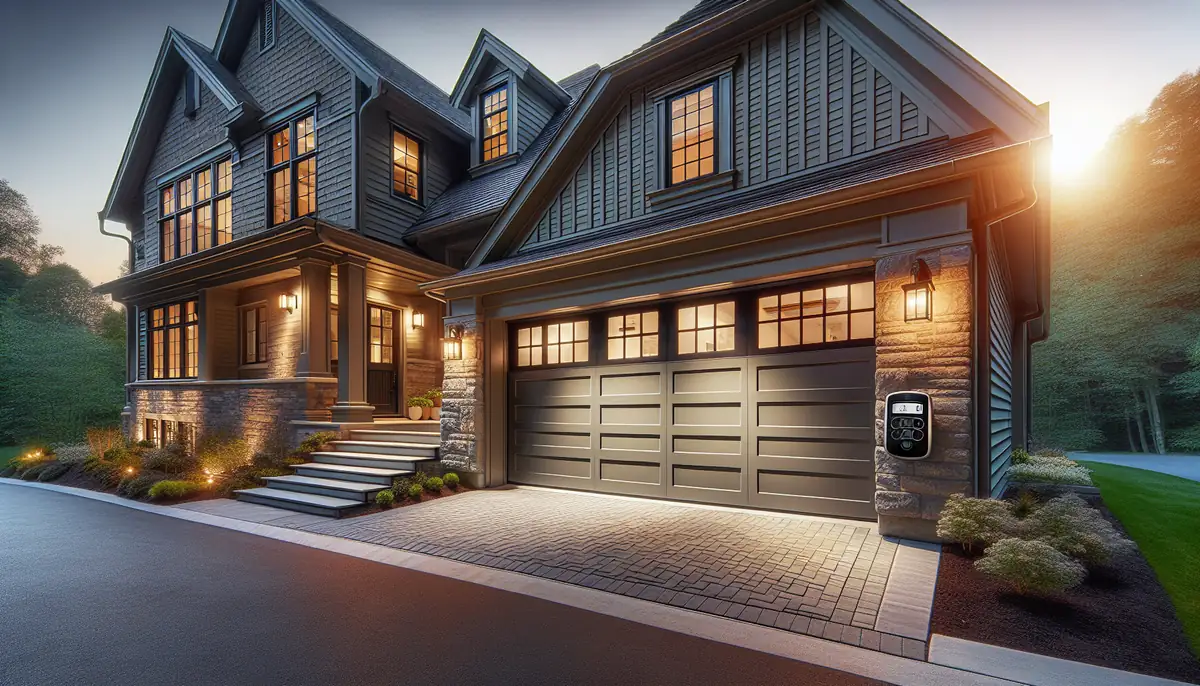
Mastering Your Garage Door Remote: A Comprehensive Guide
Garage door remotes are vital for convenience and security. If you're in Sacramento, CA, and your remote isn't functioning as it should, don't fret. Programming your garage door remote is often a straightforward process that can save you time and frustration. In this guide, Vamos Garage Door Repair will walk you through the steps to program your remote efficiently.
Understanding Your Garage Door Remote
Before diving into programming, it's essential to understand how your garage door remote works. Most remotes operate on radio frequency technology, sending a unique code to the garage door opener to grant access.
Types of Garage Door Remotes
- Single-Button Remotes: Usually opens one garage door.
- Multi-Button Remotes: Can control multiple garage doors or features, such as lights.
- Keypad Remotes: Requires a code to be entered directly on the keypad.
Why You Might Need to Program Your Remote
There are several reasons you may find yourself needing to program your garage door remote:
- Replacing an old or malfunctioning remote.
- Changing the batteries of your remote.
- Resetting the system after a security breach.
- After a power outage that resets garage door settings.
How to Program Your Garage Door Remote: Step-by-Step Instructions
Follow these steps to program your garage door remote effectively:
Step 1: Gather Your Tools
You will need:
- Your garage door remote control
- Your garage door opener’s owner manual
- A step ladder (if needed)
Step 2: Locate the Learn Button
The Learn button is typically found on the back or side of the garage door opener motor. It may be labeled as 'Learn' or 'Program.'
Step 3: Prepare for Programming
- Ensure the garage door is closed.
- Be within range of the garage door opener.
Step 4: Press the Learn Button
Press and release the Learn button. An indicator light should turn on, indicating the system is ready to learn the code from your remote.
Step 5: Program the Remote
Within 30 seconds of pressing the Learn button, press and hold the button on your remote that you wish to program. Hold it until you see the indicator light on the opener blink or turn off, confirming that the remote is programmed.
Step 6: Test the Remote
Try using the remote to open your garage door. If it works, congratulations! If not, repeat the previous steps.
Common Issues You Might Encounter
Even with detailed instructions, programming your garage door remote can sometimes present challenges:
Remote Not Responding
- Check Batteries: Dead batteries are a common culprit. Replace them first.
- Range Issues: Ensure you are within the recommended range of your garage door opener.
Programming Failure
If programming fails, try resetting the garage door opener. Consult your owner’s manual for specific reset instructions.
Maintaining Your Garage Door Remote
Once you've successfully programmed your remote, it’s essential to maintain it for optimal performance:
- Regularly check and replace batteries.
- Keep the remote clean and free from dust.
- Avoid exposing the remote to extreme heat or moisture.
When to Seek Professional Help
If you've followed all these steps and your remote still isn’t working, it may be time to consult the experts. Vamos Garage Door Repair provides reliable garage door services in Sacramento, CA. We can help with:
- Malfunctioning remotes
- Broken garage door openers
- Regular maintenance and inspections
Conclusion
Programming your garage door remote doesn't have to be a daunting task. By following these simple steps, you can regain the convenience of opening your garage door with a click of a button. If you encounter issues, don't hesitate to reach out to Vamos Garage Door Repair in Sacramento, CA. Our team of experts is here to help ensure your garage door functions smoothly.
Ready to enhance your garage door experience? Contact Vamos Garage Door Repair today for all your garage door needs!
Explore More Resources
Related Articles
Service Areas
We proudly serve Sacramento, West Sacramento, Rio Linda, Rancho Cordova, Davis and more areas.
Our Services
Professional garage door repair, spring repair, opener installation and more. View all services →
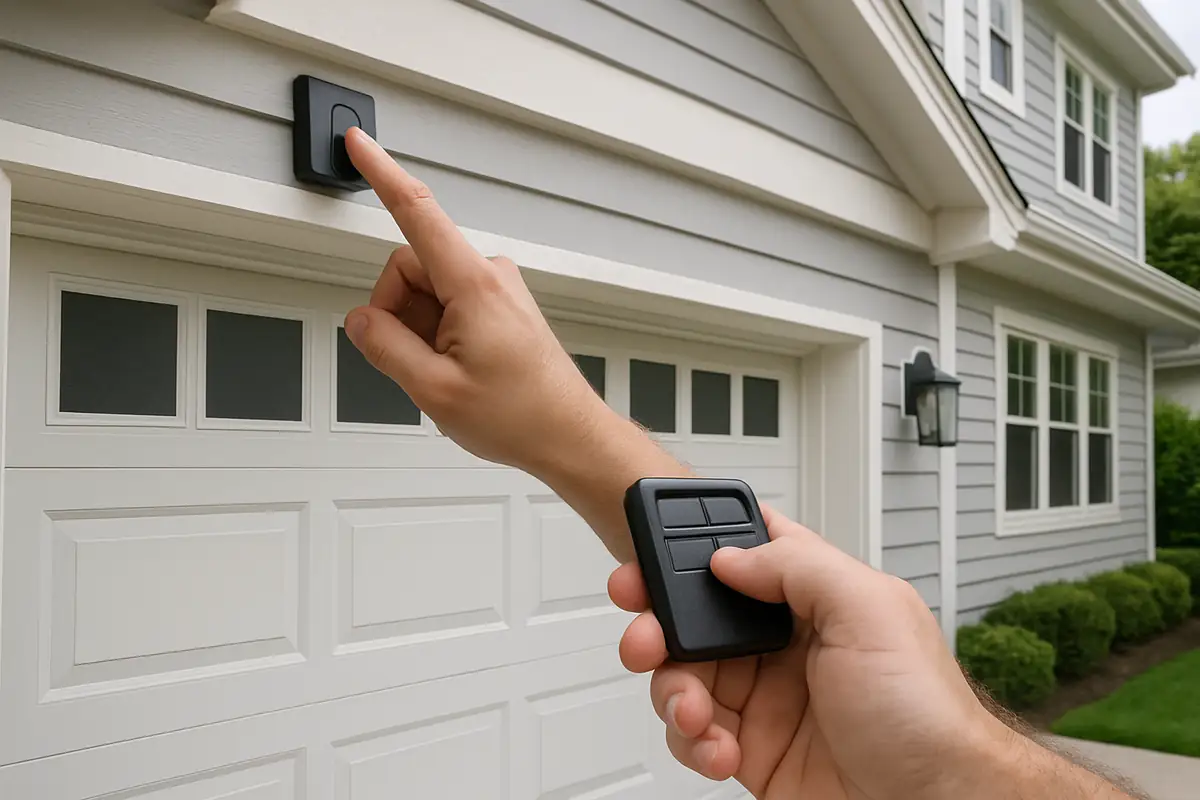
Choosing the Right Garage Door for Your Climate in Sacramento, CA | Vamos Garage Door Repair
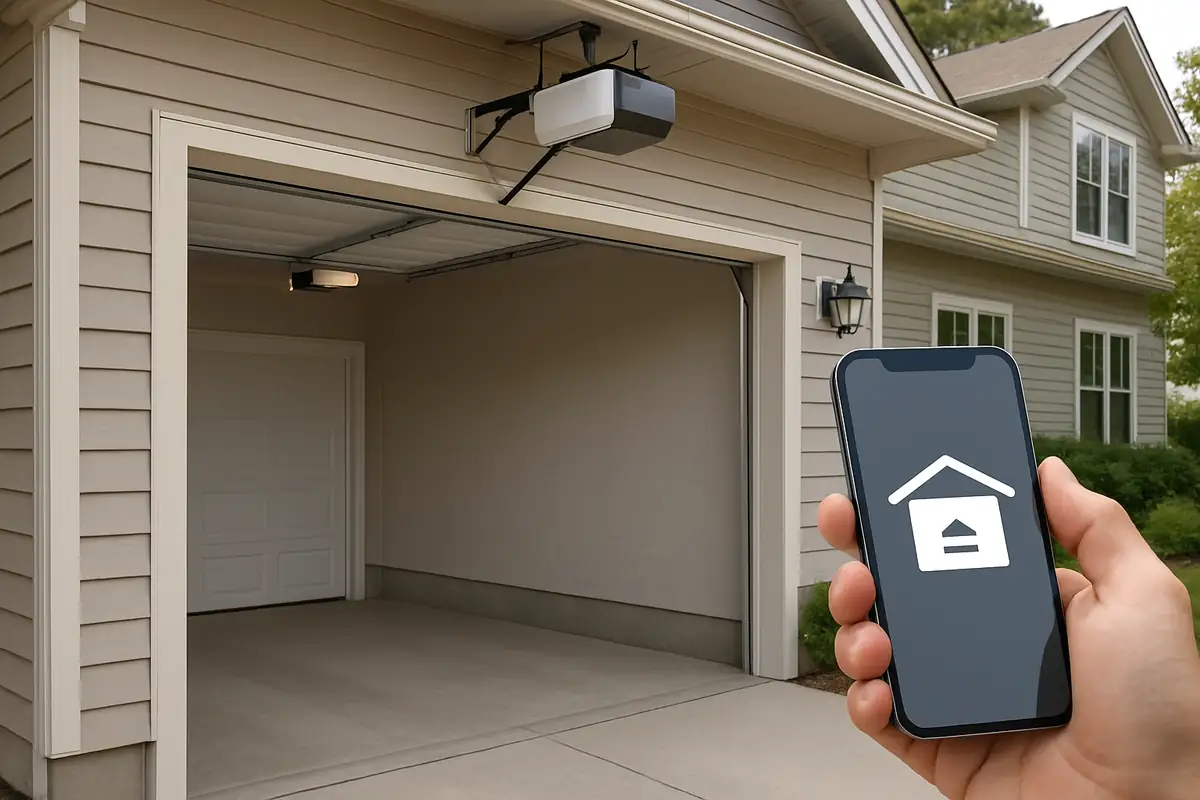
Understanding Different Garage Door Materials: A Guide by Vamos Garage Door Repair